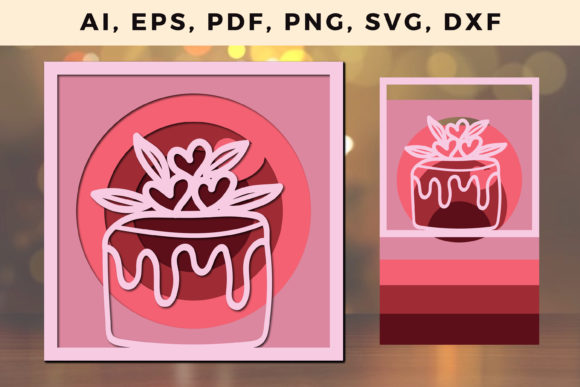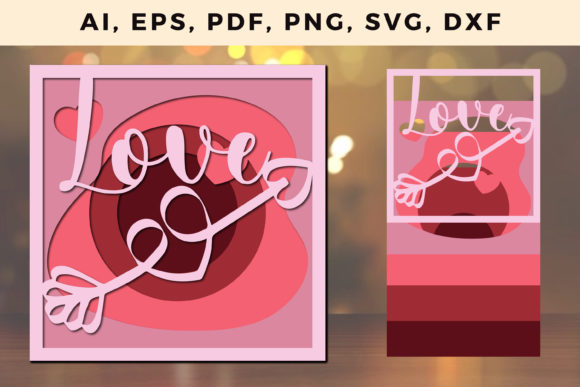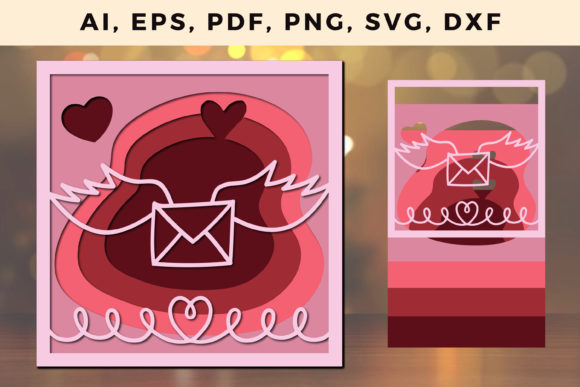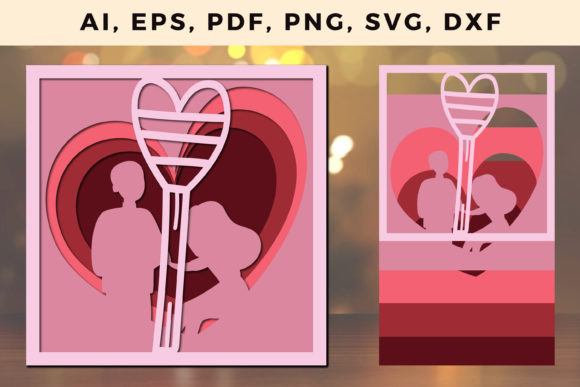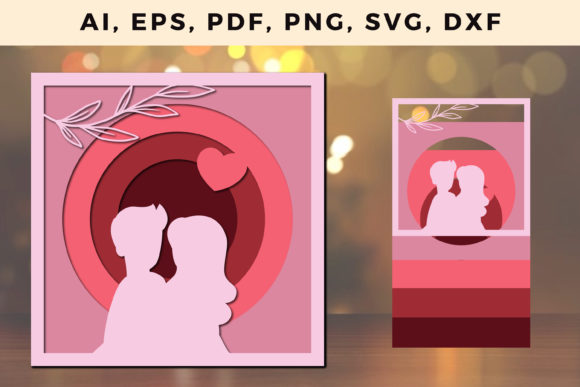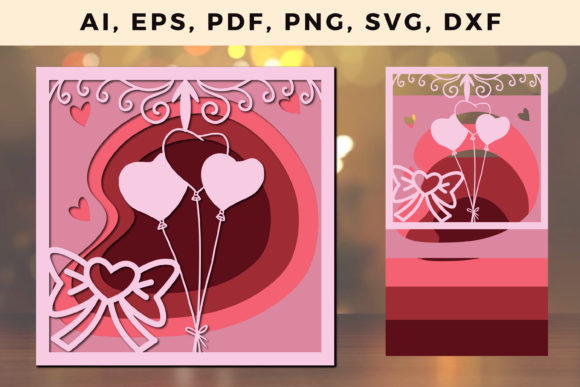
Multi Layer Valentine SVG Design: What You Need to Know
Valentine’s Day projects often demand a balance of visual richness and practical flexibility. A Multi Layer Valentine s Design SVG File meets that demand by packaging artwork in separate, editable layers. Instead of a single flat image, you get a file where hearts, text, backgrounds, and decorative elements each live on their own layer. This structure matters whether you are cutting vinyl, printing cards, or editing digitally. Understanding how these files work and which version suits your project can save time, reduce frustration, and open up creative possibilities you might not have considered.
What Makes a Multi Layer Valentine SVG Different
A standard SVG file contains vector shapes, but a multi-layer version organizes those shapes into distinct, named layers. In a Valentine design, one layer might hold a rose silhouette, another layer holds a script message, and a third holds a patterned background. When you open the file in design software like Adobe Illustrator, Inkscape, or Cricut Design Space, you can turn layers on or off, change their colors, resize individual elements, or delete parts without affecting the rest. This granular control is what sets multi-layer files apart from merged or flattened graphics.
For a craft hobbyist, this means you can swap a red heart for a gold one in seconds. For a small business owner, it means you can adapt one base design into a dozen product variations without starting from scratch. The file itself is lightweight, scalable to any size without losing quality, and compatible with most cutting machines and design platforms. The multi-layer structure is not just a technical feature—it is a workflow advantage.
Why Different Audiences Value Multi Layer Valentine SVGs
The same file type serves very different needs depending on who uses it. A beginner might prioritize simplicity, while a professional focuses on precision and commercial rights. Understanding where you fall helps you evaluate whether a particular SVG matches your real requirements.
Beginners and Hobbyists Looking for Ease of Use
If you are new to digital crafting or design, a multi-layer Valentine SVG can feel overwhelming at first. But once you understand the basics, it actually makes projects easier. You do not need to draw anything. You do not need to separate elements manually. The file comes ready to cut, print, or edit. In Cricut Design Space or Silhouette Studio, you can ungroup the layers, assign different colors to each piece, and preview how the final project will look. A beginner might start with a simple two-layer design—a heart on one layer and a word on another—then experiment with resizing or recoloring. The key is to open the file, explore the layers panel, and try small changes. Most multi-layer SVGs include a readme or layer names that tell you what each part does. If you are unsure, test the file on a small project first. The learning curve is shallow, and the payoff is a finished piece that looks custom-made.
Ease of use matters most here. Look for files with clearly named layers, standard SVG compatibility, and no extra software required. Free trials of design apps let you test before committing. A good file should load quickly, separate cleanly, and not crash your editing program. If you can change the color of the rose without affecting the text, the file is doing its job.
Experienced Creators and Designers Seeking Flexibility
For graphic designers, illustrators, and experienced crafters, multi-layer SVGs offer a fast starting point that still allows deep customization. You might take a Valentine SVG with five layers and combine it with your own typography, adjust the stroke weights, or export individual layers as separate files for a multi-material project. The layer structure lets you isolate elements for different uses—the background becomes a printable pattern, while the foreground elements become cut lines. You can also merge layers, add new shapes, or apply gradients and effects within your vector editor. Flexibility is the priority here. You want a file that opens cleanly in your preferred software, uses standard SVG syntax, and does not rely on proprietary features. Check whether the layers are grouped logically—for example, all decorative elements in one folder, text in another. This kind of organization saves time when you are iterating quickly. The commercial value also matters if you plan to sell finished products. Many designers look for SVGs that allow commercial use, so verify the license before purchasing or downloading.
A practical example: you are designing a Valentine’s Day card line for a small client. You find a multi-layer SVG with a layered heart, envelope, and floral accents. You open it, delete the premade text, add your client’s message, adjust the heart color to match their brand palette, and export the final art. The whole process takes minutes instead of hours because the layers gave you a scaffold to build on.
Small Business Owners and Entrepreneurs Focused on Commercial Value
Running a craft business, print shop, or Etsy store means every design decision affects your bottom line. Multi-layer Valentine SVGs let you produce consistent, high-quality products without hiring a designer for every new item. You can take one multi-layer file and create a series of products: printed cards, iron-on transfers, laser-cut ornaments, or digital downloads. The speed of iteration matters. If a design sells well, you can quickly produce color variants or size variants from the same layered file. If a design does not sell, you have not wasted hours building it from scratch.
Reliability and commercial licensing are your main concerns. A file that corrupts in the middle of a production run costs you money. Test the SVG in your actual workflow before buying in bulk. Look for vendors who clearly state commercial use rights and offer support if the file has issues. Cost also factors in—a well-made multi-layer SVG might cost a few dollars but saves you hours of labor. Calculate the value based on how many products you can create from one file. For a Valentine’s Day season, a single versatile design could generate dozens of listings. The long-term usefulness depends on how easily you can repurpose the layers for other holidays or themes. A layered heart motif, for example, works for anniversaries, weddings, or general love-themed products throughout the year.
Educators and Content Creators Prioritizing Learning Value
Teachers, workshop leaders, and content creators use multi-layer SVGs as teaching tools. A Valentine design with clearly separated layers helps students understand vector structure, layer hierarchy, and how to manipulate digital art. You might use a four-layer SVG in a classroom to demonstrate grouping, color theory, or export formats. The learning value comes from the file’s clarity—labels like “background,” “text,” “accent” and “border” make abstract concepts concrete. For a YouTube tutorial or blog post, a multi-layer SVG lets you show viewers exactly how each element contributes to the final look. You can start with the file as-is, then modify it step by step. The speed of demonstration matters: you want a file that opens quickly and responds predictably. Good multi-layer SVGs for education include simple shapes, limited layers, and no hidden elements. They should also be royalty-free for educational use. If you teach Adobe Illustrator or Cricut basics, having a consistent set of practice files saves preparation time. The creative value extends beyond Valentine’s Day—once students learn the layer workflow, they can apply it to any SVG design.
How to Evaluate a Multi Layer Valentine SVG for Your Needs
Not every multi-layer SVG is created equal. Before downloading or purchasing, consider what matters most for your specific project. If you are cutting vinyl for a single shirt, you need clean cut lines and simple layers. If you are printing a card, you need high resolution and accurate colors. If you are editing extensively, you need a file that does not corrupt when you move layers around.
Check the file format details. True SVG files store vector data, but some sellers bundle SVG with DXF, PNG, or EPS versions. That is fine as long as the SVG itself is standard. Look at the layer names in the preview or description—descriptive names like “layer1_heart” are better than “layer001.” Count the layers roughly; too few might not give you enough control, but too many can become confusing. A well-designed multi-layer Valentine SVG typically has between two and eight layers, with each layer serving a clear purpose.
Consider the aesthetic style. Romantic, modern, vintage, or minimalist—multi-layer SVGs come in all styles. Pick one that matches your brand or personal taste. But also think about adaptability. A design with a neutral color palette and timeless shapes will be useful longer than one that relies heavily on current trends. For commercial use, versatility directly affects return on investment.
Read the license terms carefully. Some files are for personal use only. Others allow limited commercial use. If you plan to sell products made from the file, you need a commercial license that covers your volume. A few sellers offer extended licenses for mass production. Transparency about licensing is a sign of a reliable creator. If the license is vague or missing, move on.
Practical Examples Across Different Projects
Let us walk through three realistic scenarios to show how the same multi-layer Valentine SVG file serves different goals.
Scenario one: a beginner making a gift. You want to make a personalized mug for a partner. You find a multi-layer SVG with a heart, an arrow, and the word “Love” on separate layers. You open it in Cricut Design Space, change the heart to metallic red, the arrow to white, and the text to a script font. You resize the design to fit a standard mug. You mirror the design for adhesive vinyl, cut it, and apply it. Total time: 20 minutes. The multi-layer structure made the customization straightforward because each element was independent.
Scenario two: a professional creating a product line. You run an Etsy shop selling Valentine decorations. You buy a multi-layer SVG with a layered rose, leaves, and a circular frame. You create three variants: one with a red rose and gold frame, one with a pink rose and silver frame, and one with a white rose and black frame. You export each variant as a print-ready PDF and a cut-ready SVG. You list them as separate products. Because the file was layered, you did not need to redraw anything. Your production time for three products was under an hour.
Scenario three: an educator running a workshop. You teach a virtual class on using SVGs with Inkscape. You choose a multi-layer Valentine design with a simple three-layer structure: background heart, foreground text, and a small accent star. You use the file to demonstrate how to rename layers, change fill colors, and export for different media. Students follow along with the same file. The predictable layer layout reduces confusion, and the Valentine theme makes the lesson engaging. After the class, students can apply the same skills to any SVG they encounter.
Matching the File to Your Skill Level and Goals
If you are just starting out, look for a multi-layer Valentine SVG that includes a plain-language description of each layer. Avoid files with dozens of nested groups or layers that are hard to identify. Stick to designs where each layer contains a visually distinct element. You want to build confidence first, and simple layers help you succeed.
If you are experienced, challenge yourself with designs that have more layers or subtle overlaps. You can also look for files that include both SVG and the native format of your design software, like AI or EPS, which preserve even more editing precision. At this level, speed and creative control matter most. You already know the basics, so you want files that let you skip ahead to the fun part—making the design your own.
For business use, focus on repeatability and licensing. Test the file with your exact equipment—Cricut, Silhouette, laser cutter, or print setup—before committing to a large order. Keep a small library of versatile multi-layer Valentine SVGs that you can remix across seasons. A well-chosen file pays for itself many times over when you reuse its layers in different combinations.
For educational purposes, choose files with logical naming and visible structure. Avoid designs with excessive decorative elements that distract from the learning objective. The best teaching SVGs are clean, clear, and visually appealing without being cluttered.
Long-Term Usefulness of a Multi Layer Valentine SVG
A Valentine design might seem seasonal, but multi-layer SVGs often have longer shelf lives than you expect. The shapes—hearts, roses, arrows, frames—appear in wedding materials, anniversary projects, birthday decorations, and even branding for love-themed businesses. If you choose a design that is not overly specific to February 14, you can use it year-round. The layer structure also makes it easy to replace the text or swap colors for different occasions. A heart SVG that works for Valentine’s Day can become a thank-you card graphic simply by changing the message layer. The durability of the file format itself also matters. SVG is an open standard, so the file will remain usable for decades regardless of software trends. You are not locked into a proprietary platform. That longevity adds to the file’s value, especially if you are building a personal or commercial library of design assets.
When you evaluate a multi-layer Valentine SVG, think beyond the immediate project. Ask yourself: Can I reuse the background layer for another holiday? Can I swap the text for a custom message without breaking the design? Can I scale the art from a sticker size to a poster size without losing quality? If the answer is yes, the file is a smart investment. If the design is too rigid or the layers too tangled, it might be better suited for a single use. Knowing your priorities helps you choose wisely.